If you are evaluating Dahua camera: local recording, the short answer is that the exact camera model, its reachable RTSP or ONVIF stream, and the chosen recording software matter more than the brand name alone. CloudlessCam gives you a practical way to test that path locally before you commit to a larger setup.
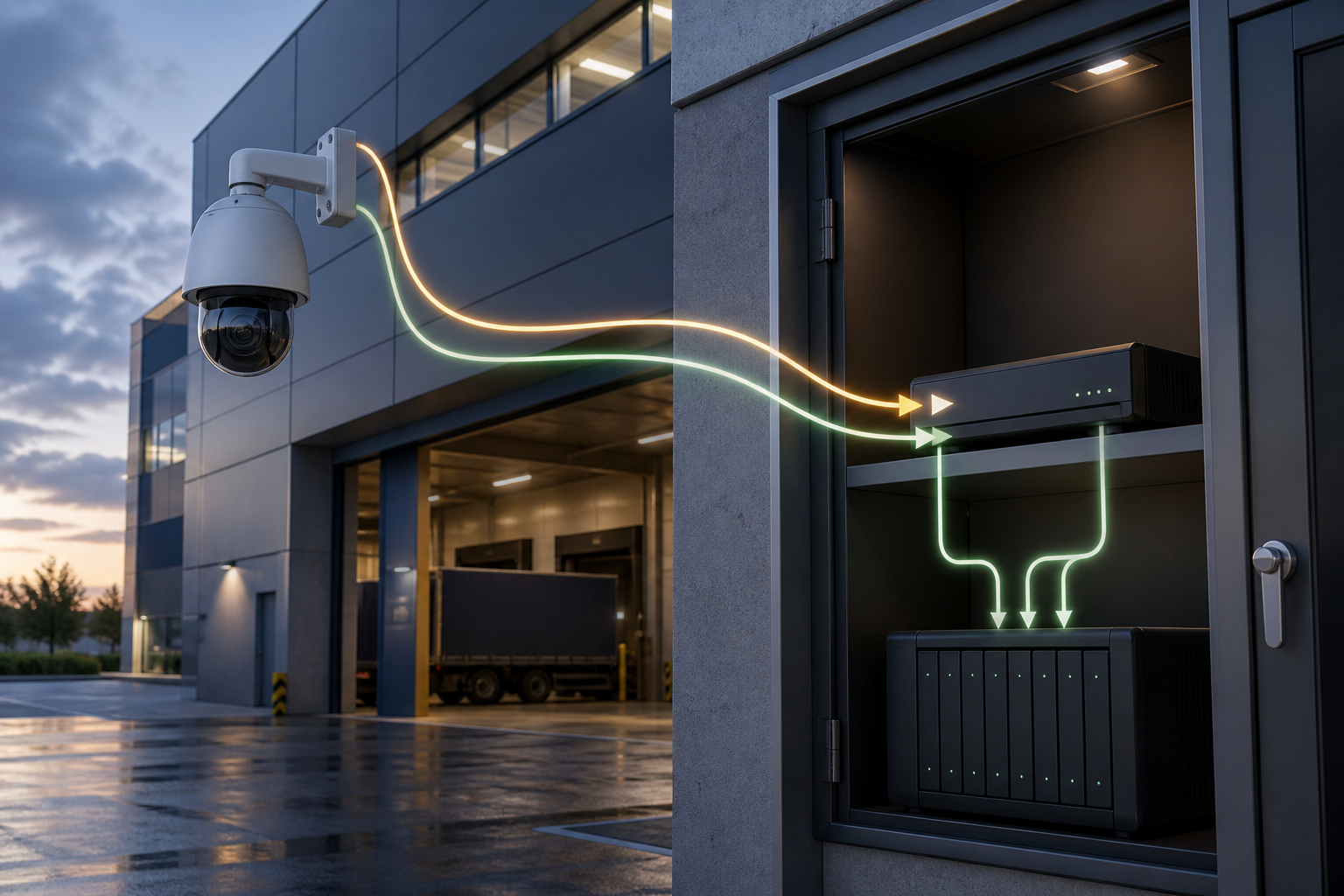
What the decision is really about
The search question behind Dahua camera: local recording usually starts with an existing camera, a planned purchase, or a daily workflow that has become inconvenient. A camera may show a live picture but still lack a stream that another recording software can use. Check the model documentation, power supply, network path, and the storage requirement separately.
The useful principle is simple: first prove that the camera provides the required data, then choose where the files should live. This keeps the camera, recording software, and storage decisions replaceable.
A practical CloudlessCam workflow
- Connect the camera in the local network and create a separate camera account where the model supports it.
- Find the camera through ONVIF or add the documented RTSP address manually.
- Select the suitable stream, create a recording or image configuration, and assign a storage target.
- Make a short test and open the result in the appropriate CloudlessCam Player.
This test gives you a concrete result instead of relying on a general compatibility promise. The CloudlessCam features explain the available recording and storage paths.
Requirements and honest limits
CloudlessCam cannot add a missing protocol to a camera. Battery models that sleep between events may not provide a permanent stream. ONVIF support can also differ between models and firmware versions. Capacity, network bandwidth, permissions, and the operating system still need to fit the planned use.
For a larger installation, begin with one representative camera. The compatibility overview and the support page are useful next checks.
Frequently asked questions
Does every camera fit this workflow?
No. Verify the exact model and its accessible RTSP or ONVIF functions before buying or planning a permanent installation.
Can I test the idea with existing hardware?
Yes. A suitable Windows, Linux, or macOS computer can be used for a first test. Continuous operation still requires enough performance, storage, and reliable power.
Does local recording remove every recurring cost?
No. The annual CloudlessCam software licence, electricity, hardware, disks, network, and optional remote storage remain possible cost factors.
What should I do first?
Start with one camera, a short recording, and a complete playback test. This reveals the most important limitation before you scale the setup.
Conclusion
Dahua camera: local recording is best approached as a verifiable data path rather than a brand promise. CloudlessCam helps you connect a suitable camera stream with a recording software, storage target, and player that you control. Install CloudlessCam and test the complete workflow with one camera.