You can record an IP camera without a separate NVR appliance. CloudlessCam provides the recording software function on Windows, Linux, or macOS. Whether an existing PC, an efficient mini PC, or a Raspberry Pi is suitable depends on the number of streams, resolution, codec, image processing, and the desired operating schedule.
The best choice is not automatically the most powerful computer. You need a system that processes your real streams reliably, reaches sufficient storage, and remains available during recording times.
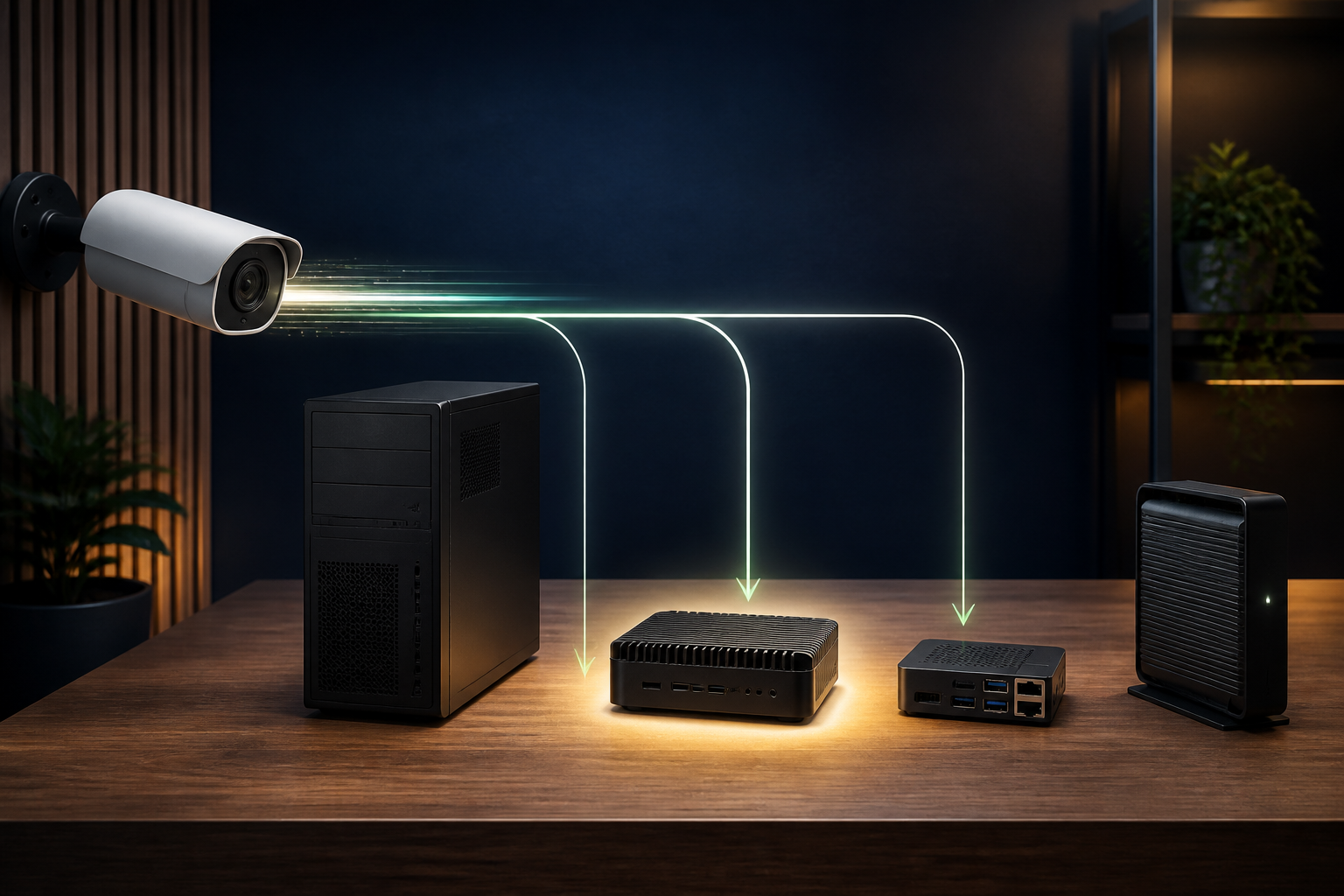
Which system fits your use case?
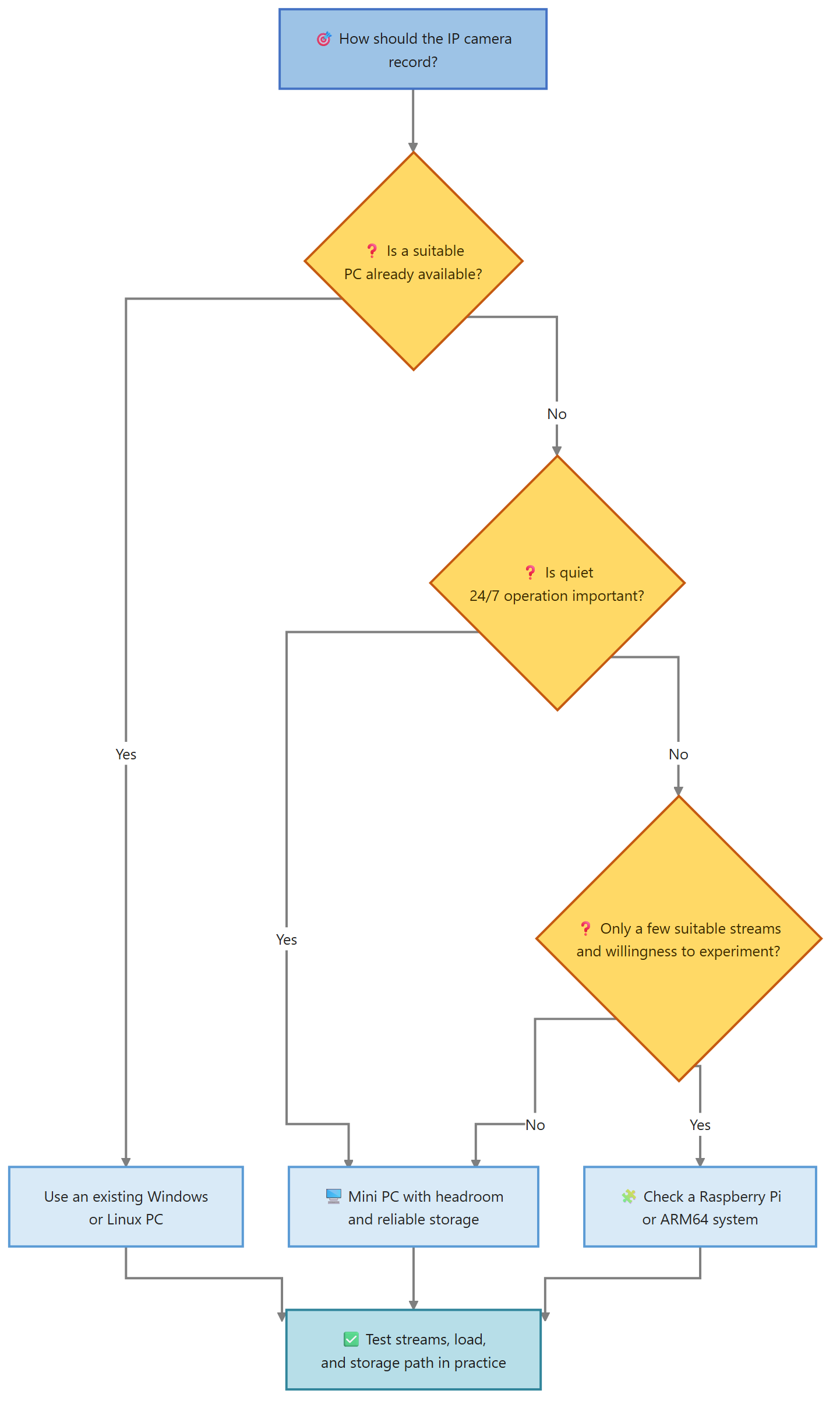
| Platform | Good starting point | What to watch |
|---|---|---|
| Existing desktop PC | First test and occasional recording | Power use and periods when it is switched off |
| Mini PC | Continuous operation with several typical streams | Cooling, SSD, network, and headroom |
| Raspberry Pi with ARM64 | Small and efficient setup | Codec, image processing, storage medium, and limited performance |
| Existing server | Central operation and available drives | Other workloads and controlled restarts |
An old laptop may be enough for a test. For unattended continuous operation, check how it handles power loss, a closed lid, operating-system updates, and constant heat.
The stream matters more than the camera count
Two cameras can create very different workloads. A low-resolution H.264 stream copied directly needs less processing than a high-resolution H.265 stream that must be re-encoded for timestamps, watermarks, or other filters.
Evaluate each camera for:
- main stream and substream
- resolution and frame rate
- video codec
- bitrate
- audio recording
- required image processing
- simultaneous live views
CloudlessCam can use an existing stream with Copy without unnecessary re-encoding as long as no image processing is required. This can reduce the load on small systems considerably.
Test CloudlessCam on existing hardware first
Before buying a mini PC, run a realistic test on hardware you already own:
- Add a camera through ONVIF or RTSP.
- Select the stream that will actually be recorded later.
- Create a recording configuration with the planned codec.
- Record for several typical operating hours.
- Observe CPU, memory, free storage, and file creation.
- Play several generated files.
- Add cameras one at a time and repeat the check.
This lets you buy hardware based on your streams rather than on a generic camera count.
GUI or headless operation
The graphical interface is convenient on a workstation. On a mini PC or Raspberry Pi without a monitor, the CloudlessCam CLI can run the recording process as a daemon. Pacemaker can monitor this CLI daemon and restart it after an unexpected exit.
This does not replace checking the camera, network, and storage. A running process alone does not prove that files are still being created. Plan a regular check of the latest recording and available storage.
Choose storage together with the hardware
Local SSD, large hard drive, and NAS have different roles. An SSD is well suited to the operating system and short-term files. A larger drive or network target can hold the archive. With remote targets, CloudlessCam needs local buffer space if the connection is temporarily unavailable.
Estimate capacity from the real bitrate and desired retention. IEC units such as GiB and TiB keep comparisons consistent.
Requirements and limits
The computer must run during every scheduled recording period. Power-saving modes, automatic restarts, and operating-system updates must not interrupt the process unnoticed. A Raspberry Pi should use a suitable ARM64 system and a reliable storage medium.
CloudlessCam adds recording software functions to existing hardware, but it does not turn weak hardware into an infinitely scalable NVR. The reliable benchmark remains a test with your own streams.
Frequently asked questions
Do I need a special NVR appliance for CloudlessCam?
No. A supported PC, mini PC, server, or ARM64 computer can perform the recordings.
Is a Raspberry Pi sufficient for four cameras?
The camera count alone cannot answer that. Resolution, codec, bitrate, image processing, and simultaneous viewing determine the load. Test the actual streams.
Can I start with my normal Windows PC?
Yes. It is well suited to compatibility and recording tests. For continuous operation, runtime and power use must match your goal.
What is the main advantage of a mini PC?
A mini PC can run continuously and separately from your workstation. Whether it provides enough performance at a sensible operating cost is shown by the real recording test.
Conclusion
Recording an IP camera without an NVR is mainly a question of assigning the right role to the right computer. Start with existing hardware, measure your real streams, and then decide on a mini PC or Raspberry Pi. Install CloudlessCam and test your first camera before buying new recording software hardware.